Why Supply-Chain Attacks Matter for Solana Traders
The Coldcard exploit was not a firmware bug. Researchers at Galaxy Digital traced the losses to devices that had been physically altered before they reached the buyer — a classic supply-chain compromise. The attacker modified the secure element or replaced the microcontroller so the wallet generated keys known to them, then resealed the packaging.
Solana meme-coin traders face the same threat model. When you connect a hardware wallet to Phantom, Solflare, or a DEX front-end, you are trusting that the device signs exactly what you see on its screen. If the device was swapped in transit, the signature can authorize a token approval, a malicious program upgrade, or a full drain without any on-chain vulnerability.
- Supply-chain tampering leaves no on-chain trace until funds move.
- Meme-coin trading involves frequent transaction signing, increasing exposure.
- Hardware wallets are the last line of defense; if compromised, software checks cannot help.
Pre-Unboxing Checks
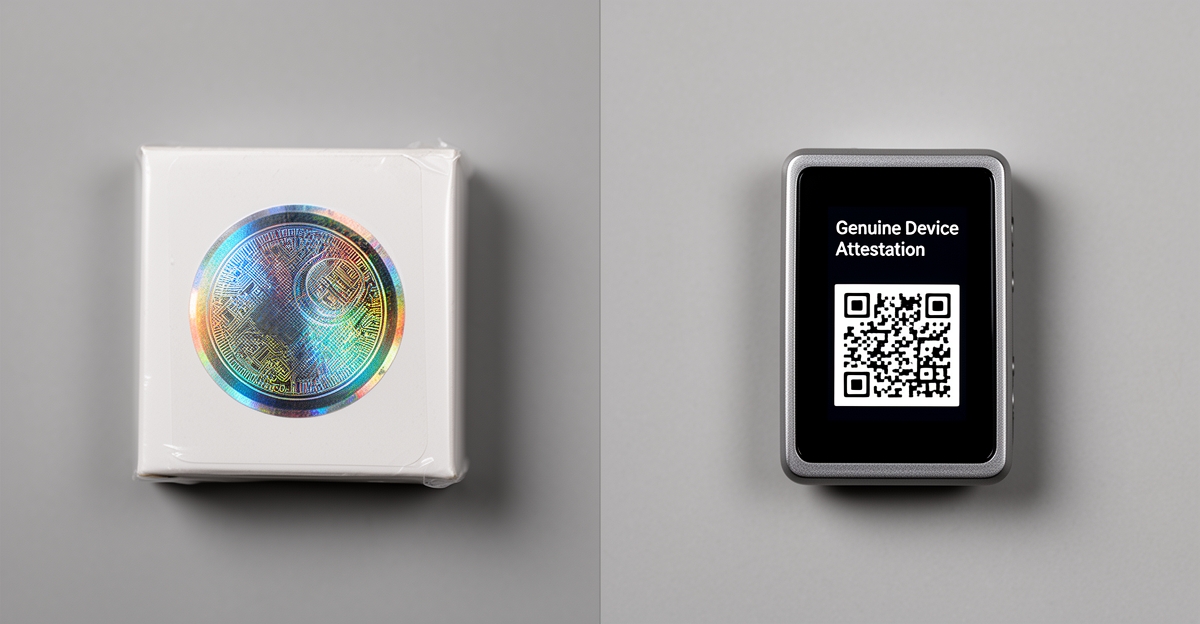
Start verification before you open the package. Reputable manufacturers — Ledger, Trezor, Coldcard, Keystone — use tamper-evident seals. The 99Bitcoins hardware wallet review notes that a security seal should always be intact before first use; if the holographic sticker is torn, misaligned, or missing, treat the device as compromised.
Verify the shipping box matches the manufacturer's current packaging. Check for secondary seals on the inner box. Compare the device serial number on the box label with the one printed on the device itself. Any mismatch is a stop signal.
- Inspect holographic tamper-evident seals on outer and inner packaging.
- Match serial numbers: box label, inner box, device body.
- Reject devices with resealed shrink wrap, cut tape, or missing security cards.
Initialization and Genuine-Device Tests
Power on the device using only the supplied cable and a trusted power source — not a public USB port. Follow the manufacturer's official setup guide from a bookmarked URL, not a search result. During initialization, the device should run a self-tampering test (Coldcard calls this the 'seal check'; Ledger and Trezor run attestation routines).
Complete the genuine-device verification on the manufacturer's website. Ledger uses Ledger Live's 'Check My Nano' feature; Trezor runs a firmware attestation in Trezor Suite; Coldcard displays a signed attestation on the device screen that you verify against the Coinkite server. If the attestation fails or the site redirects, do not load funds.
- Use only the included cable and a known-clean power adapter.
- Run the manufacturer's official attestation or genuine-device check.
- Record the device fingerprint or attestation signature for future reference.
- Never enter a seed phrase on a computer or phone during setup.
Seed Phrase Handling and Verification
The Coin Bureau guide to Solana wallets emphasizes writing your seed phrase on paper and never typing it into a website, Google Form, or 'wallet verification' page. A compromised hardware wallet can display a seed generated by the attacker. To detect this, generate the seed on the device, write it down, then reset the device and restore from that same seed. If the restored addresses match the first generation, the seed is likely genuine.
For high-value holdings, consider a 25th-word passphrase (BIP39 passphrase) stored separately. This adds a durable second factor even if the device was pre-seeded.
- Generate seed on device, write on paper, reset, restore, compare addresses.
- Store the paper seed offline; never digitize it.
- Optional: add a BIP39 passphrase kept in a different physical location.
Firmware and Software Stack Hygiene
Update firmware only through the official desktop application (Ledger Live, Trezor Suite, Coldcard's CKBunker). Verify the download hash against the manufacturer's GPG-signed release notes. Do not install firmware from a browser prompt or a third-party updater.
On the host computer, use a dedicated browser profile or a separate user account for wallet interactions. The DEXTools vs DEX Screener analysis recommends keeping private keys offline, avoiding wallet reuse across dApps, and cleaning permissions with Revoke.cash. Apply the same discipline: one browser profile, one hardware wallet, one purpose.
- Verify firmware hashes against GPG-signed release notes.
- Use a dedicated browser profile or OS user account for wallet connections.
- Revoke token approvals periodically with Revoke.cash or Solana equivalents.
- Disable auto-connect features in wallet extensions.
Transaction Signing Verification on Solana
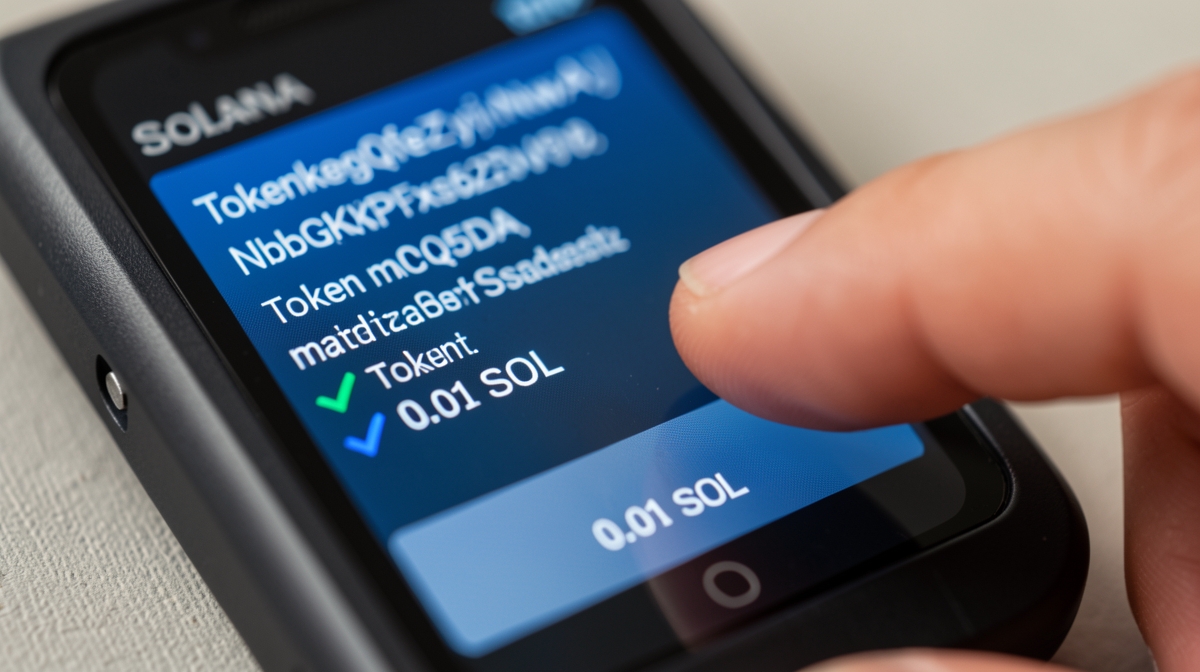
When you connect to Phantom or Solflare with a hardware wallet, the device screen shows the transaction details. The Coin Bureau Solflare review notes that hardware wallet integration keeps keys on the device while the software builds the transaction. Before confirming, verify three fields on the device screen: the program ID (should be the SPL Token program or a known DEX program), the token mint address (match it against RugCheck or Birdeye), and the amount.
Meme-coin swaps on Jupiter or Raydium often route through multiple hops. The device may display only the first instruction. For high-value trades, break the swap into smaller steps and verify each hop, or use a simulation tool like Solana Explorer's 'Simulate Transaction' before signing.
- Match program ID and token mint on device screen to on-chain data.
- Simulate complex multi-hop swaps before signing.
- Start with a tiny test swap (e.g., 0.01 SOL) to confirm the flow.
- Reject any transaction where the device screen shows 'Unknown Instruction' or truncated data.
Ongoing Integrity Habits
Integrity verification is not a one-time event. Re-run the genuine-device attestation after any firmware update. Inspect the device casing for signs of physical tampering (scratches around screws, misaligned screens) before each session. Rotate the hardware wallet used for high-frequency meme-coin trading versus long-term storage.
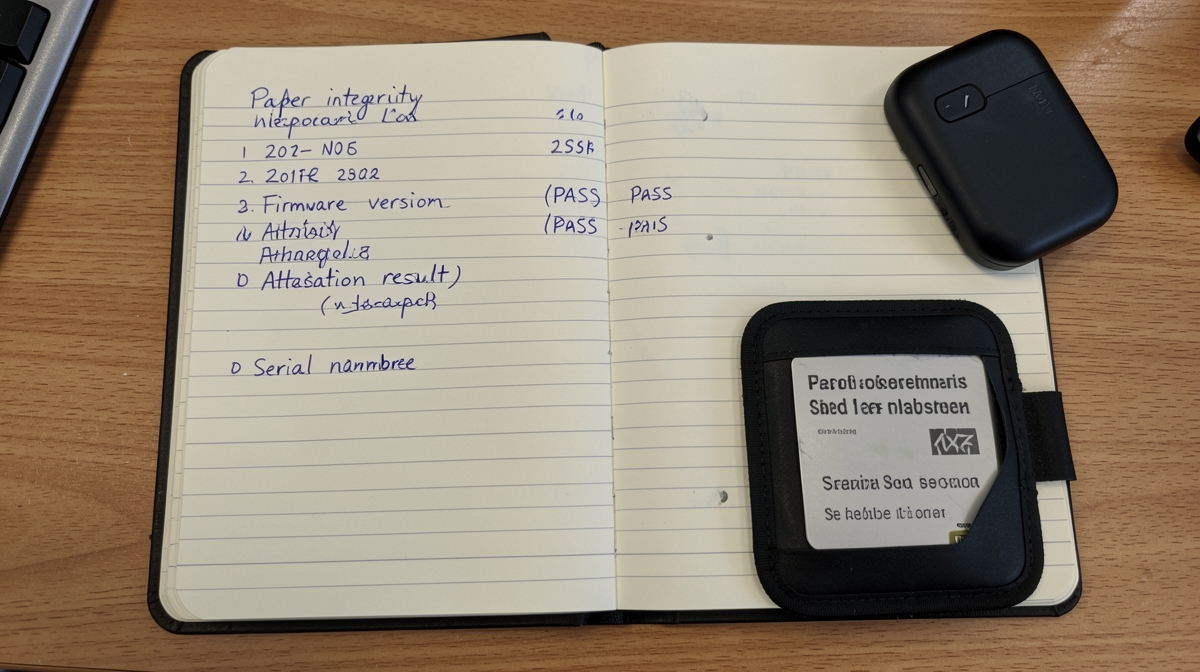
Maintain a paper log: date, firmware version, attestation result, serial number, and any anomalies. This log becomes your evidence chain if a compromise is discovered later.
- Re-verify attestation after every firmware update.
- Physical inspection before each trading session.
- Separate trading wallet from cold-storage wallet.
- Keep a paper integrity log with dates and firmware versions.
Practical takeaway
The Coldcard supply-chain exploit showed that a hardware wallet's security ends where its physical custody begins. For Solana meme-coin traders, the verification routine — seals, attestation, seed test, firmware hygiene, on-device transaction review, and ongoing logging — is the practical translation of that lesson. It adds five minutes to your setup and a minute to each session, but it converts a catastrophic single point of failure into a detectable, manageable risk.